Fiscal Receipts & Thermal Printing — Appy POS Bridge
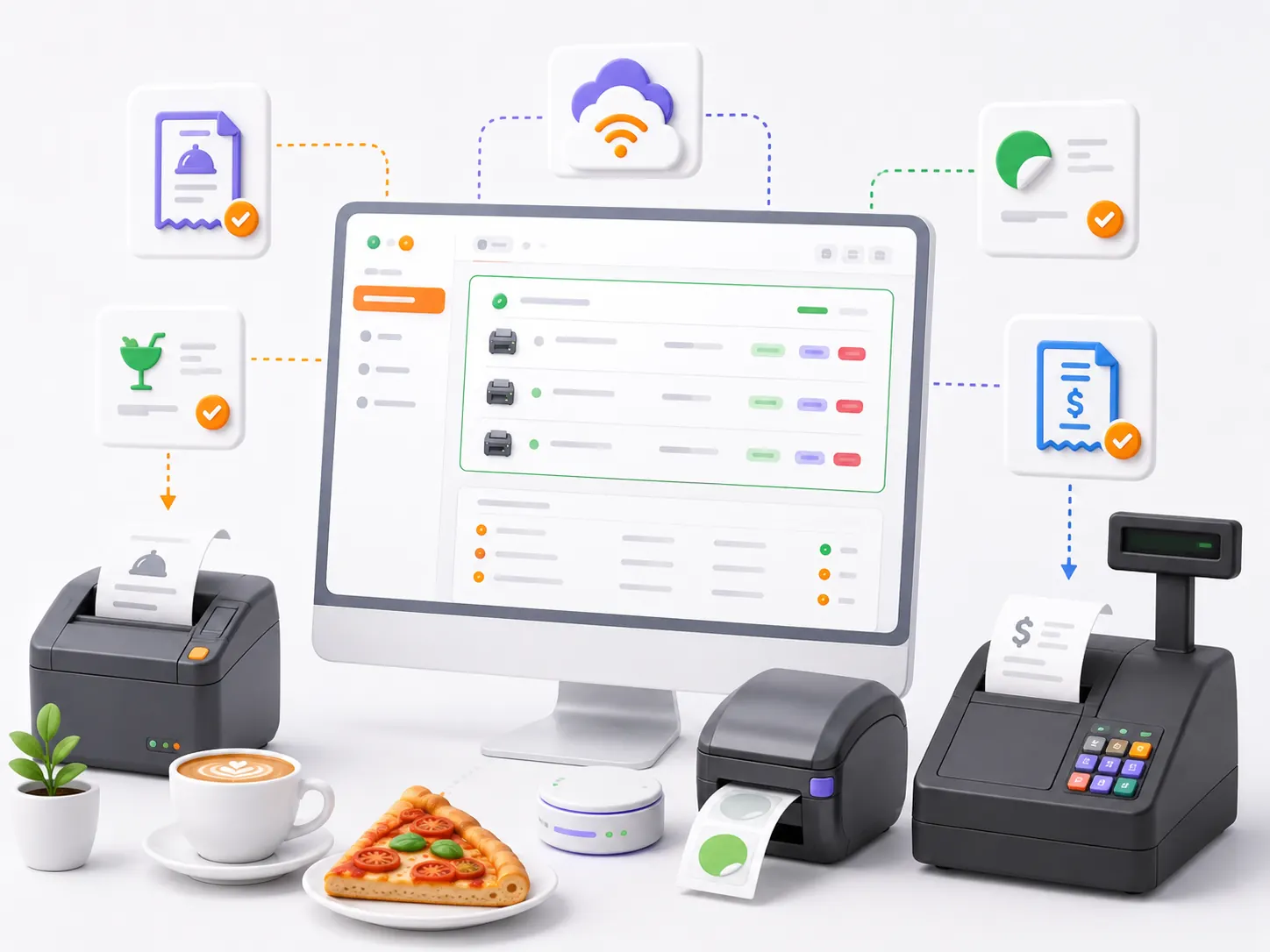
Every ticket lands on the right paper: kitchen ticket to the kitchen, bar ticket to the bar, label to the label printer, and the fiscal receipt to the cash register through the FiscalNet integration.
Appy POS Bridge, the print server that runs on one PC inside the restaurant, connects the cloud POS to the paper on site. Every ticket — the customer receipt, the kitchen and bar production tickets, product labels, the payment note — reaches it over the live connection to the server, is written into a local queue, and is then sent to whichever thermal printer you mapped to that ticket type. We do not do fiscalisation ourselves: the fiscal receipt is issued through FiscalNet, the middleware that actually talks to the cash register, while the bridge carries the fiscal command lines there and hands the returned receipt number back to the POS. If the internet drops or a printer is offline, the job is not lost — it stays in the on-disk queue and is retried, and it survives a service restart or a power cut.
Book a Site CheckTransparent pricing: Starter 0 € · Appy POS from 49 €/mo · See pricing
300+ restaurants already use APPY POS
What is a restaurant print server?
A print server is the program that connects a cloud POS to the physical printers on site. A browser cannot talk to a thermal printer directly, so the server does it instead: it receives the ticket, sends it to the right printer, and keeps it queued if that printer is offline.
- Customer receipts, kitchen tickets, bar tickets and labels
- Routing by section: each station receives only its own ticket
- Thermal printers over the network, USB, or the Windows spooler
- An on-disk queue that survives a power cut
- Fiscal receipts through the FiscalNet integration
- Deduplication: a re-sent ticket does not print twice
Appy POS Bridge does not fiscalise on its own and is not a cash register. The fiscal receipt is issued through FiscalNet, which talks to the certified device. It runs on Windows only and does not support Bluetooth printers.
Challenges
- A browser cannot talk to a thermal printer — not over TCP, not over a COM port, not through the Windows spooler.
- If the connection or the printer drops mid-service, the kitchen ticket disappears and nobody finds out until a guest complains.
- When the POS times out and re-sends the request, the same order can print twice — on a cash register that means a second real fiscal receipt.
- Every ticket type has a different destination, so somebody ends up picking the printer by hand on every print.
With APPY
- Appy POS Bridge, a Windows service on one PC on site, does the talking for the browser: network TCP, USB or serial, the Windows spooler, or an office printer.
- Jobs sit in a local on-disk queue and are retried automatically; anything interrupted mid-send is re-queued after a restart.
- A duplicate delivery of the same job does not produce a second receipt — three independent layers guard it, and the duplicate reports the first attempt's real outcome.
- Each ticket type gets its own printer, mapped once in the local dashboard — after that the routing happens on its own, order after order.
Results
Features
Five ways to connect a printer
Network TCP with ESC/POS, USB or serial COM port, raw Windows spooler passthrough for thermal printers that only ship a Windows driver, page rendering for a laser or office printer, plus export to a file in a watched folder. The same receipt content goes out over any of them.
Fiscal receipts through the FiscalNet integration
We do not build the fiscal receipt. The POS composes the fiscal command lines, Appy POS Bridge posts them over HTTP to FiscalNet — the middleware that drives the cash register — and returns the receipt number to the POS. The request times out after 15 seconds, and when FiscalNet refuses a receipt you get its own error code and message, not one we invented.
A local queue that survives the outage
Jobs are written to a SQLite database on the PC on site. A service restart or a power cut does not wipe them, and anything left stuck mid-send is automatically re-queued. The default is three attempts, with a pause that doubles in between — 2 seconds, then 4; raise the attempt count and it keeps doubling, capped at 16 seconds.
No second receipt on a re-send
The same request arriving twice does not print twice: an idempotency key replays the first response for 5 minutes, a request that arrives both directly and over the relay waits for the first print and inherits its outcome, and a job the server retransmits is ignored on insert because it carries the same id. The duplicate reports the first attempt's actual result — an open cover or an empty paper roll is never masked as a successful print.
Ticket layout comes from the template, not from code
Ticket content is marker-based text controlled from the platform: centring, bold, reverse video, font A or B, 1× to 8× character magnification, separator lines, two-column rows, a line width configurable between 16 and 64 characters, cut, beep and cash-drawer pulse. QR codes are generated by the printer firmware itself, and the logo is downloaded from a URL and printed as a raster image — PNG, JPEG or WebP.
Local dashboard, discovery and test print
The PC on site serves a web dashboard in Romanian, English and Bulgarian: sweep the network for printers on port 9100, list COM ports and installed Windows printers, map one printer per ticket type, fire a test print, and watch recent jobs, connection status and queue health.
How it works
It goes on one PC on site
It goes on one PC on site
A single installer puts the Windows service on a machine that stays powered on in the restaurant, opens the firewall port and creates the shortcut to the local dashboard. Requirements: 64-bit Windows, Windows 7 SP1 or newer, with .NET Framework 4.8. Configuration and credentials are encrypted on disk with the machine key, so the file cannot be read on a different computer.
Map one printer per ticket type
Map one printer per ticket type
In the local dashboard you pick the app, the location and the POS device, scan the network or the COM ports, add the printers and bind them to the ticket types the server defines for your device — kitchen ticket, bar ticket, label, fiscal receipt and whatever else is configured in the platform. A test print confirms every printing point before the first service. You can rehearse the whole thing without hardware on the built-in simulators — the fiscal one sends text-only lines, so testing cannot emit a real receipt.
After that, you only watch three numbers
After that, you only watch three numbers
Once it is configured you leave it alone: the bridge updates itself — a first check 2 minutes after start, then every 3 hours, and again whenever the connection to the server recovers. The dashboard shows three numbers that should all read zero: results that have not reached the server yet, unacknowledged jobs, and jobs stuck for more than 5 minutes. If one of them climbs, you see the problem before the guest does.
Specs you can check
Frequently asked questions
See whether Appy POS Bridge fits what you already have on site
We look at your thermal printers, your cash register and the PC in your restaurant together, and tell you plainly what works straight away, what has to change, and what stays FiscalNet's job.
Book a Site Check