Self-Ordering Kiosks for Restaurants & Fast Food
Let customers order and pay at a touchscreen terminal — faster lines, higher average tickets.
APPY Kiosk turns any touchscreen into a self-ordering station. Guests browse your visual menu, customize their meal, and pay by card — all without waiting in line. Smart upsell prompts lift the average ticket without adding a step for your staff, and you can measure the lift on your own orders in APPY Analytics.
Get a Kiosk DemoTransparent pricing: Starter 0 € · Appy POS from 49 €/mo · See pricing
300+ restaurants already use APPY POS
What is a self-ordering kiosk?
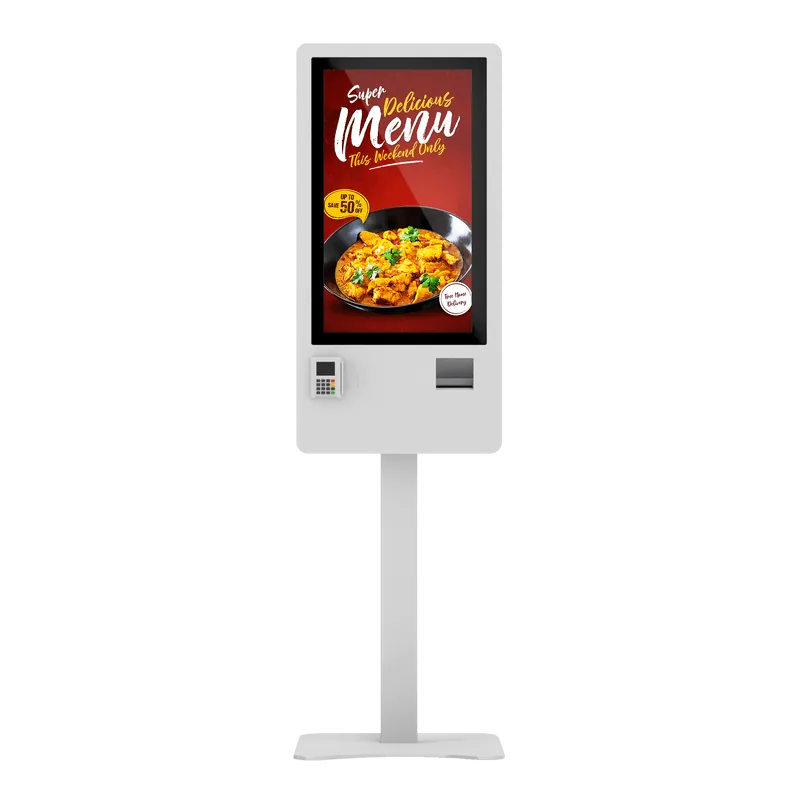
A self-ordering kiosk is a touchscreen terminal where the guest builds their own order and pays, without queueing at the till. The order goes straight into the POS and onto the kitchen screens, and the receipt or order number prints on the spot.
- Touchscreen with an illustrated menu, in several languages
- Card payment at the terminal, with no cashier
- Upsell and portion-size suggestions
- Orders land directly in the POS and on the KDS
- Prints a receipt or an order number
- The same menu and prices as every other channel
A kiosk does not replace the cash register: the fiscal receipt still comes from the certified device, through the same integration the POS uses.
How much does a restaurant kiosk cost?
A self-ordering kiosk terminal generally costs between €1,600 and €6,800, excluding VAT. The difference comes from screen size and payment method: card-only models are considerably cheaper than those with a note and coin acceptor. At APPY, delivery and installation in Romania are included in the price.
- Desktop 24″, card payment — €1,600
- Floor stand 24″, card payment — €2,100
- Floor stand 27″, card payment — €2,350
- Floor stand 32″, card payment — €2,790
- Floor stand 27″, card and cash — €5,400
- Floor stand 32″, card and cash — €6,800
Prices exclude VAT. The Appy Kiosk software runs on the Appy POS subscription; the bank card terminal is ordered separately from your bank and we integrate it. From order to go-live takes 20 days.
Challenges
- Long queues during peak hours cause customers to leave before ordering
- Counter staff rush through orders, missing upsell opportunities
- Language barriers lead to ordering mistakes for tourists and international guests
- Labor shortages make it hard to staff enough registers during busy periods
With APPY
- Self-service kiosks absorb peak demand so lines move faster
- Built-in upsell and combo suggestions increase basket size automatically
- Multi-language interface with product photos eliminates miscommunication
- Fewer registers needed — redeploy staff to food prep and guest experience
Results
Ideal for
Try the Kiosk Live
Browse the interactive menu just like your customer would. Add products, customize and place a test order.
- 100% customizable interface from the admin panel — colors, logo, fonts, layout
- Instant design and content updates, no additional costs
- Flexible payment methods: bank card, QR code, or pay at the register
- Automatic upsell and cross-sell — smart suggestions that boost order value
- Edit menu, prices, and availability directly from admin, with instant effect on kiosk
- Total content control with zero delay and zero update costs — no third-party dependency
- Allergen menu filtering — customers can hide products containing specific allergens (gluten, dairy, nuts, etc.)
- PRODUCT AVAILABILITY FROM APPY POS IS DIRECTLY LINKED TO THE APPY KIOSK TERMINAL
- Hourly availability — set time-based availability schedules for each product from admin, with continuous automatic updates on the kiosk
Smart Discounts & Promotions
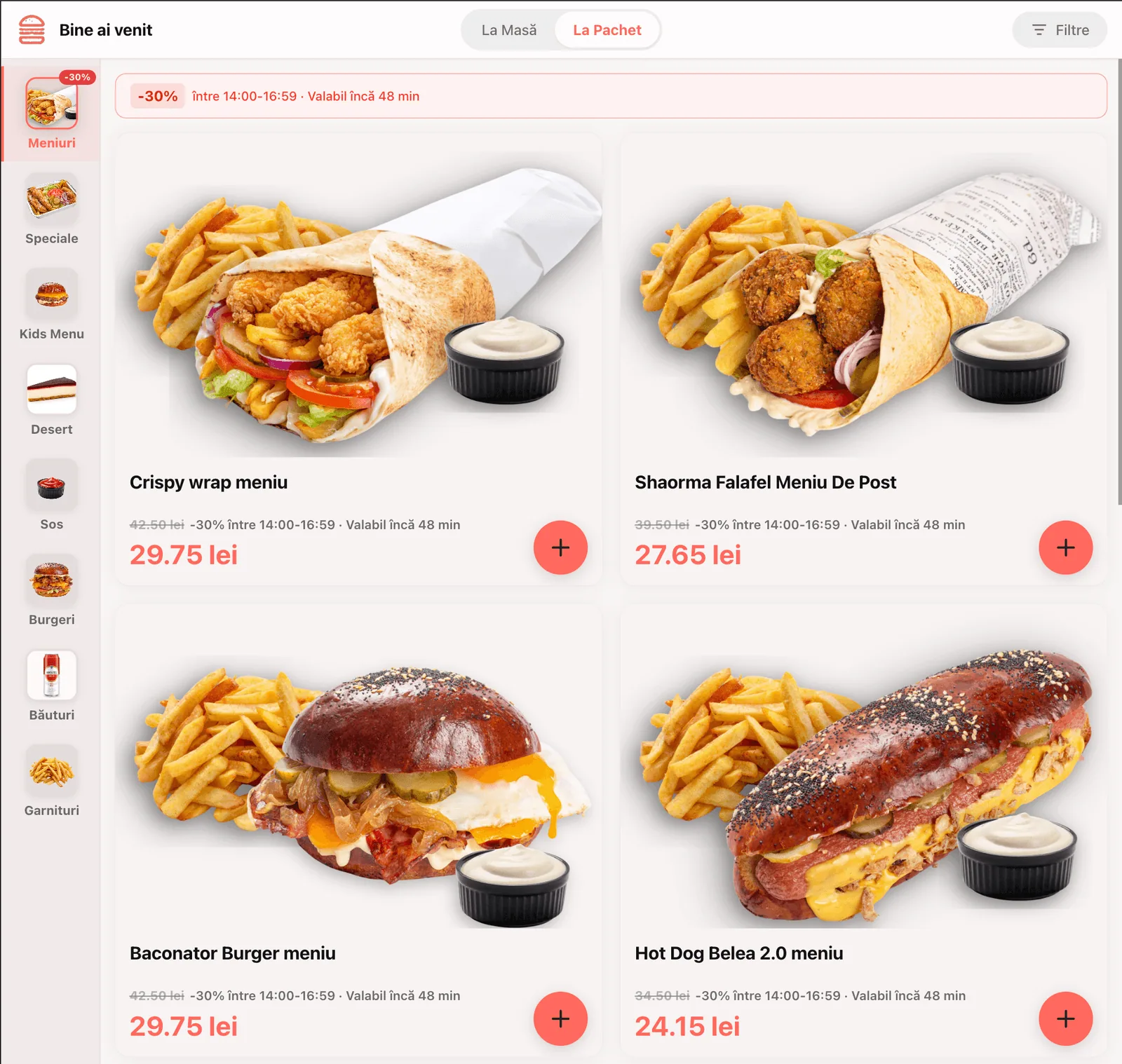
Apply discounts directly on kiosk products, instantly visible on the customer screen with a strikethrough price and promotional price. Choose between classic (permanent) discounts or scheduled discounts on any time interval — with automatic start and stop, no manual intervention needed.
- Classic discount — permanent promotional price, active until manually deactivated
- Scheduled discount — set start/stop date and time, activates and deactivates automatically
- Visible on kiosk with strikethrough price, new price and promo badge, directly on the product card
- Combinable with hourly availability — "Happy Hour" promotions that appear only during the set interval
Automatic Upsell & Cross-Sell
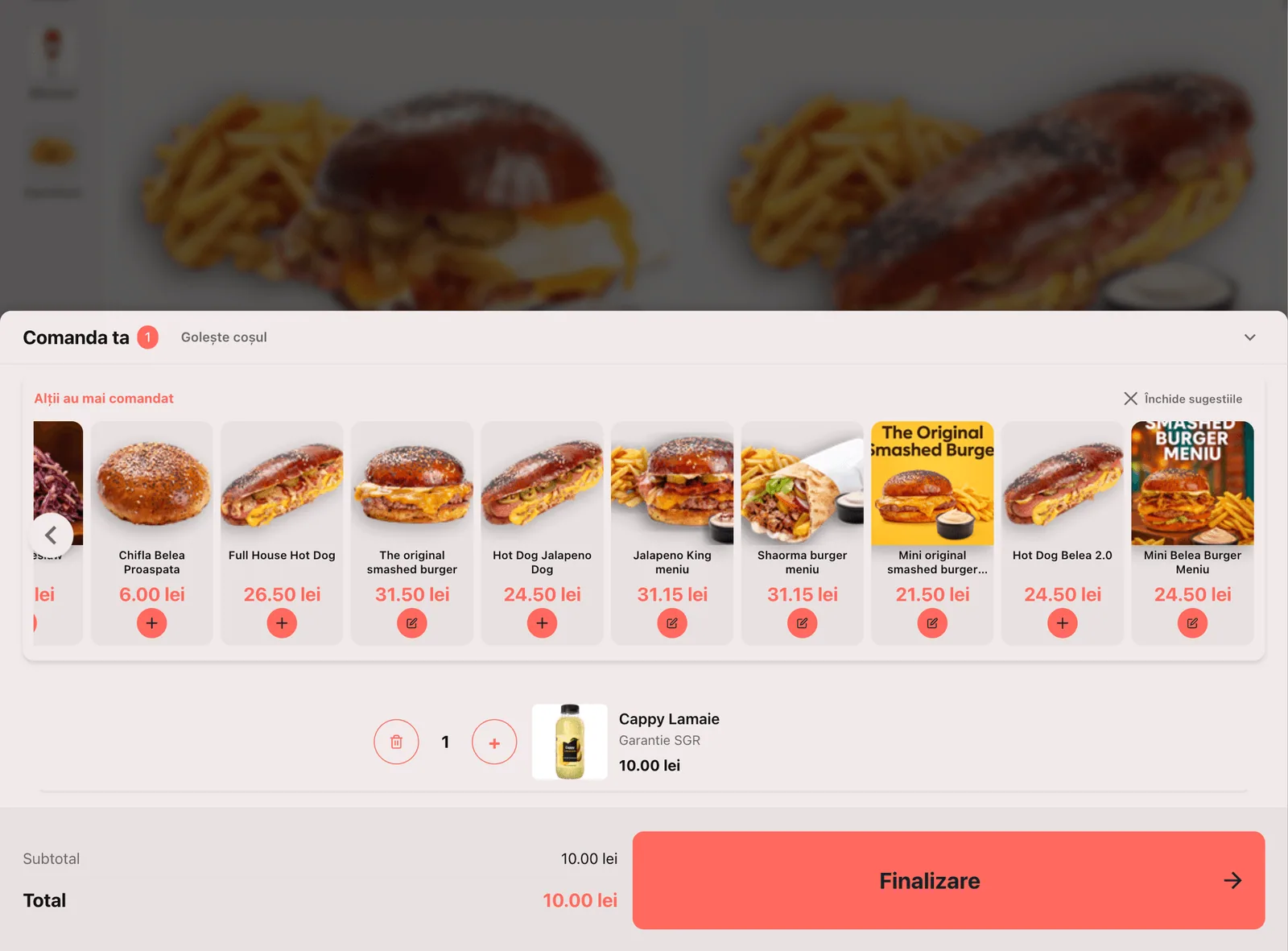
Increase the value of every order with smart upsell and cross-sell suggestions. When adding a product to the cart, the kiosk automatically proposes complementary products, portion upgrades, or full meal upgrades — fully configured from the admin panel.
- Upsell: portion size upgrade suggestions, extra toppings, or upgrade to full meal combo
- Cross-sell: complementary product recommendations (dessert, drink, side dish) at checkout
- Admin configuration — choose which products to suggest for each menu item
- A higher average ticket with no staff effort — the prompts run themselves and the lift is measurable in APPY Analytics
Features
Visual Menu with Photos
Full-screen product images, category navigation, and allergen icons make ordering intuitive — even for first-time guests.
Smart Upsell Engine
Configurable "Would you like to add..." prompts appear at the right moment. Suggest drinks, sides, and combos to boost revenue per transaction.
Multi-Language Support
Guests choose their preferred language at the start — Romanian, English, Bulgarian, Hungarian, and more. Perfect for tourist areas and international chains.
Integrated Card Payment
Connect any compatible payment terminal directly to the kiosk. Customers tap, insert, or swipe — no cashier interaction needed.
Order Number & Tracking
After payment, guests receive an order number on screen and via receipt. A pickup screen shows when their order is ready.
Remote Menu Management
Update prices, enable seasonal items, or hide sold-out products from your admin panel. Changes appear on every kiosk within seconds.
How it works
Set Up the Kiosk
Set Up the Kiosk
Install APPY Kiosk on a touchscreen terminal (15" to 24") and connect it to your payment device. Our team handles the full setup remotely or on-site.
Customers Order & Pay
Customers Order & Pay
Guests tap the screen to browse the menu, customize items, and pay by card. The order is sent instantly to the POS and kitchen display.
Kitchen Prepares & Calls
Kitchen Prepares & Calls
The kitchen receives the ticket on the KDS, prepares the meal, and bumps it as ready. The pickup screen updates so the customer knows to collect their order.
Why are restaurants choosing self-service kiosks?
From order to Go Live in 20 days
Model Selection
Choose the right kiosk model and bank POS terminal for your restaurant.
Order Bank POS
The beneficiary orders the bank POS terminal and sends it to us for integration.
Menu Setup
Our team configures the menu, design and POS integrations.
Delivery & Install
The kiosk arrives pre-configured. Physical installation takes under one hour.
Go Live!
We remotely install the Appy Kiosk software (1-2 hours) and conduct team training. Your customers are already ordering.
Available Kiosk Terminals
Choose the right model for your restaurant.
Card Only — Card payment exclusively
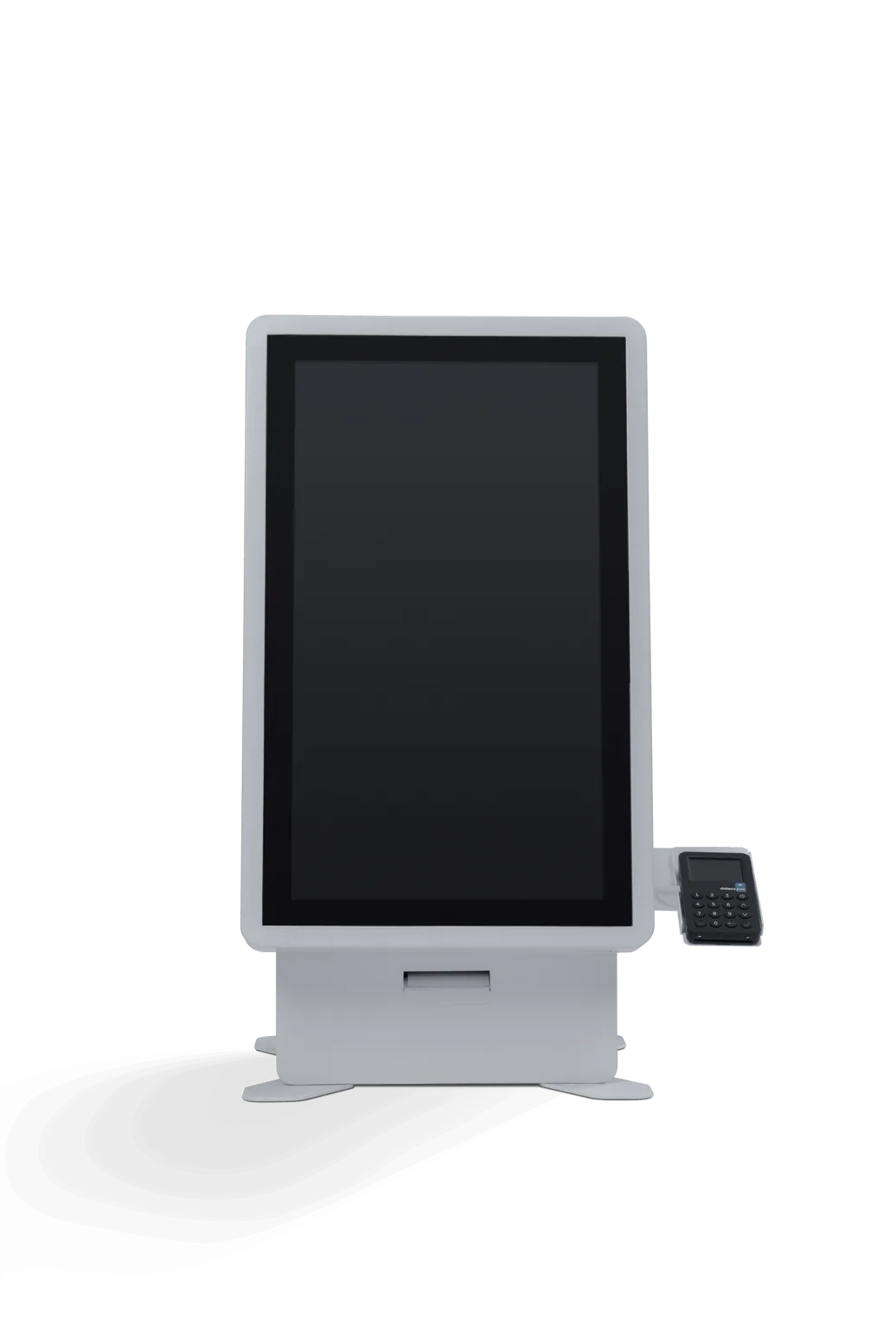
Appy HoReCa Desktop 24"
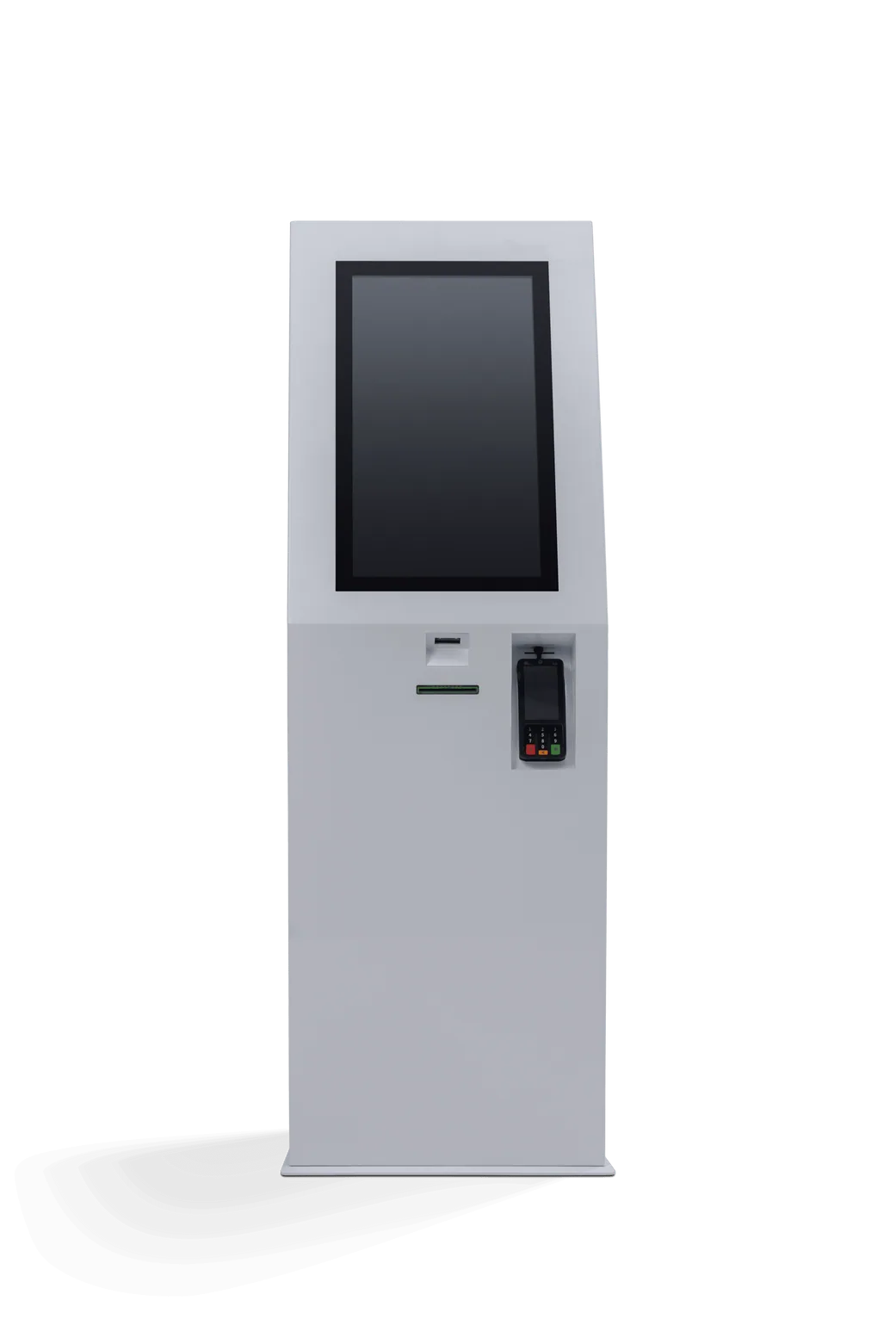
Appy HoReCa 24"
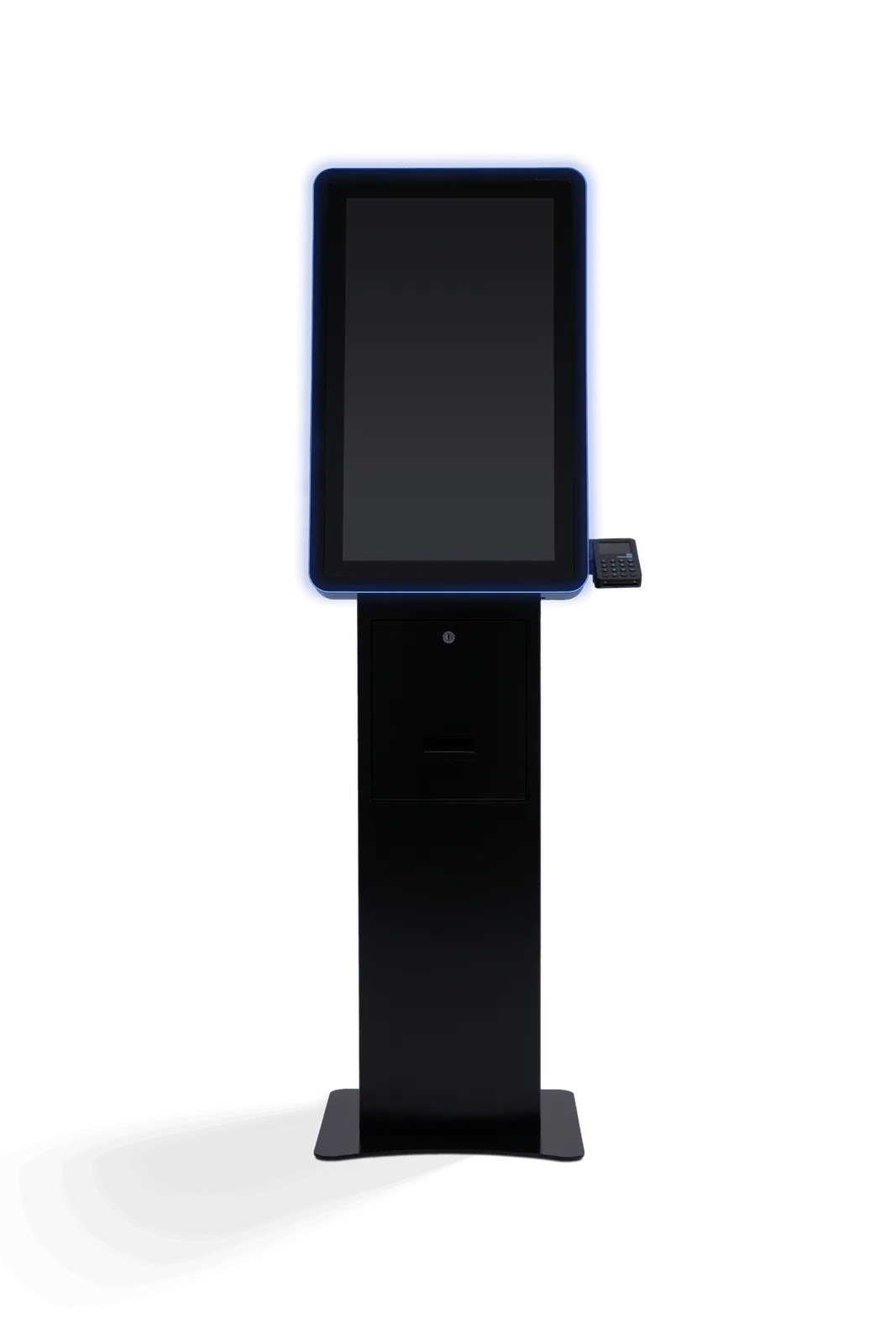
Appy HoReCa 27"
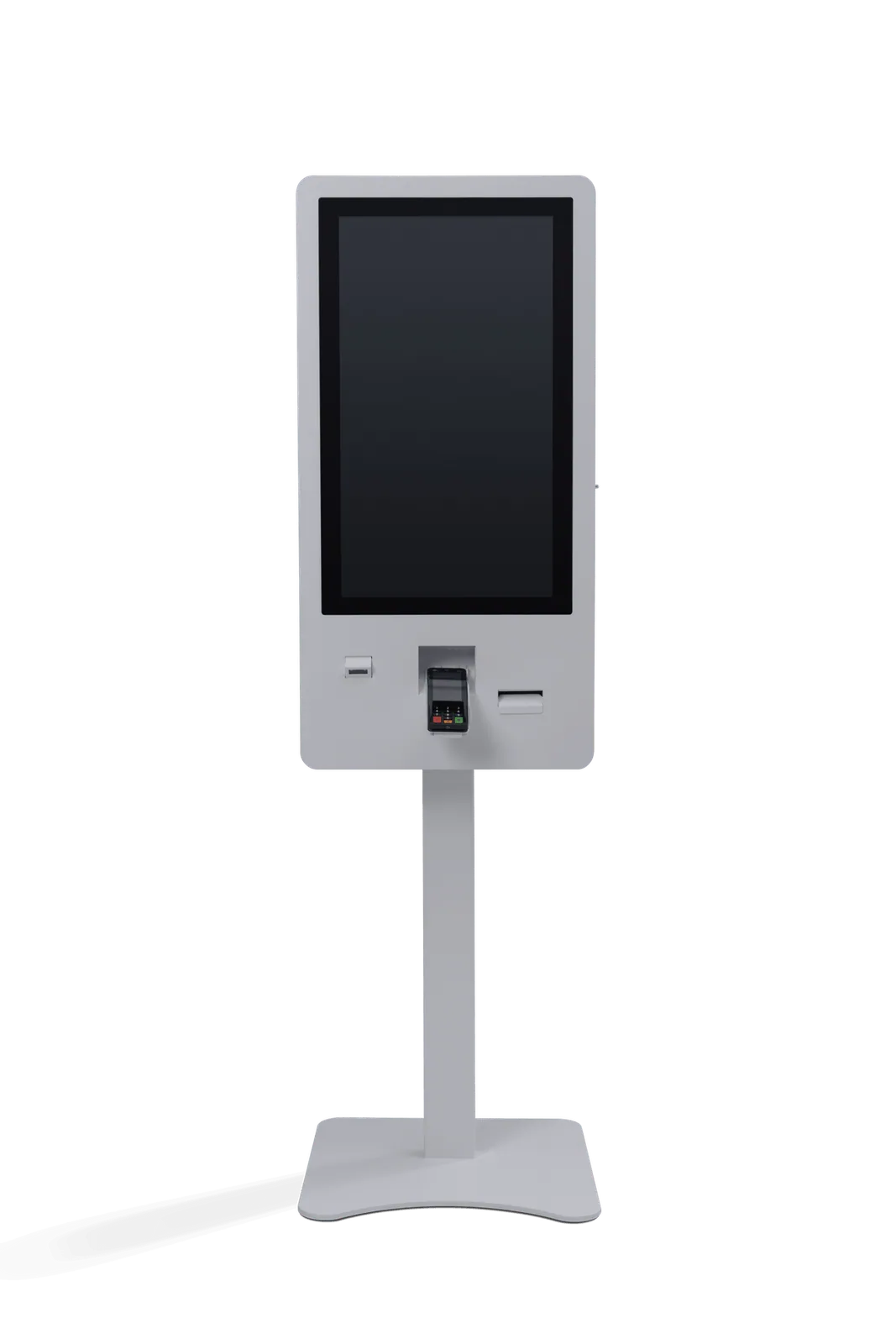
Appy HoReCa 32"
Card & Cash — Card and cash payment
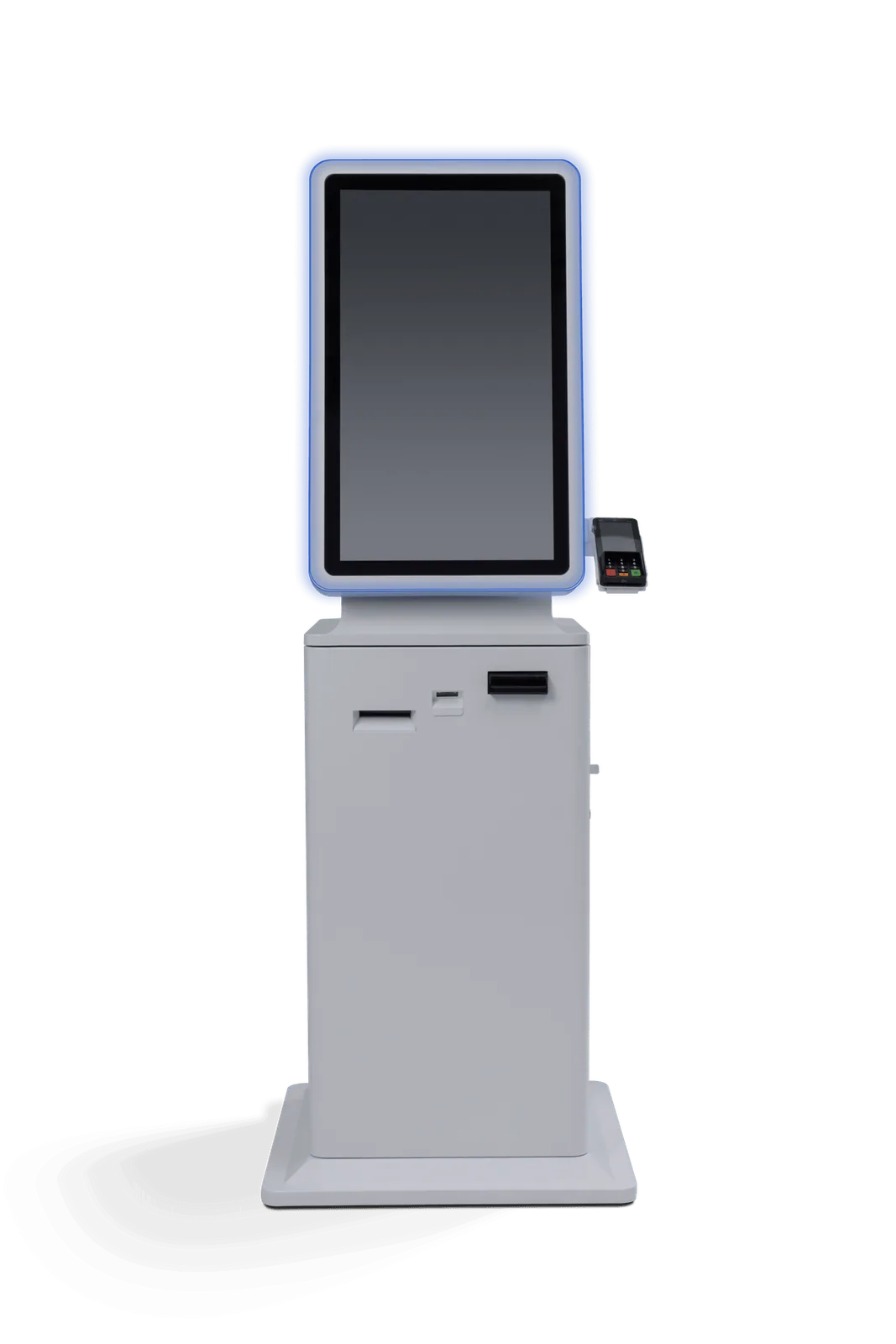
Appy HoReCa 27" Cash In-Out
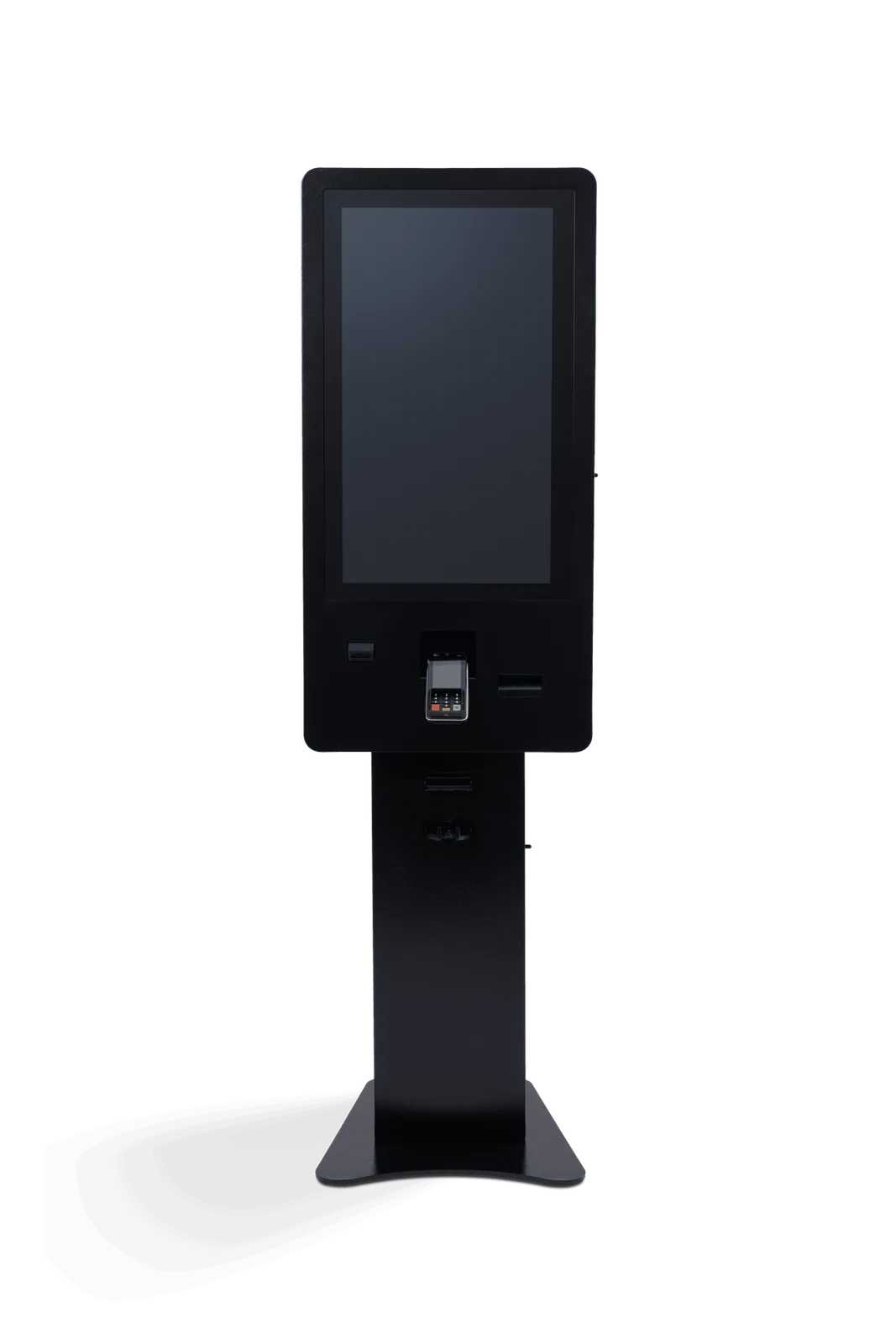
Appy HoReCa 32" Cash In-Out
- Integrated Datecs thermal printer
- Integrated card payment terminal
- Customizable LED lighting
- Full logo and branding customization
- PCAP capacitive touch monitor
- Panasonic electronics
Prices do not include VAT. Delivery and installation included in Romania. The contract and the purchase are made directly with the manufacturer, EasyPay.
Frequently asked questions
Install the APPY Kiosk, eliminate queues and sell more
Give your customers a modern self-ordering experience and boost sales with automatic upselling.
Get a Kiosk Demo